SEO for creators: get found on Google and YouTube
What Google and YouTube say about getting found: useful content, titles, descriptions, chapters and pages for your videos. A creator's guide, no tricks.
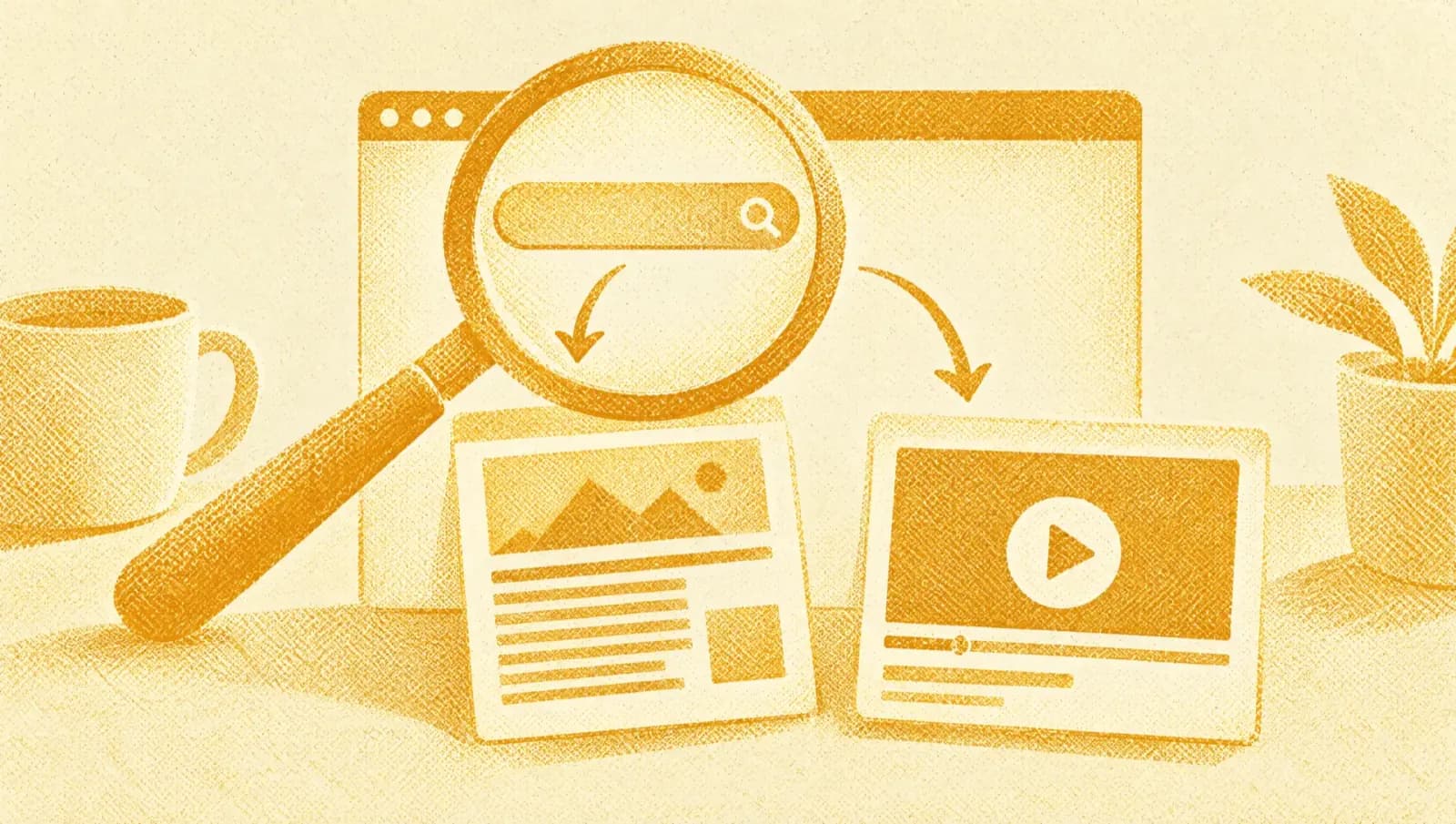
SEO for creators has a bad reputation, partly because too many people sell it as a formula. Google's and YouTube's official pages say something much simpler: write for people, give every page and every video a clear title and description and don't expect guarantees. This guide summarizes what they actually say and what you can do with it.
A note on method. We use Google Search Central's guides and YouTube's help pages, read on 16 October 2026. Where we saw only a summary of a page, we say so.
What does Google say about how to rank well?
It says there are no secrets that automatically lead to first place and that no site is guaranteed to be indexed. It adds that creating content people find useful and compelling influences your presence in results more than any other suggestion in the guide. Google's SEO guide, updated in December 2025, lists as qualities of text: easy to read and well organized with headings, unique, up to date and useful for people (Google). The page on helpful content, updated on 5 October 2026, says Google's systems prioritize helpful, reliable information created to benefit people and that SEO can be useful when applied to content made for people and not for search engines (Google). The same page warns that writing to a word count, changing dates without substantial changes or merely summarizing what others say are signs of content made for search engines.
How do you write titles and descriptions?
The title of each page should be descriptive and concise, without exaggeration; the description short and specific to that page. Google notes that it builds the displayed title itself from the title tag, main headings, text and other signals, and that it may replace yours if it finds it inaccurate. Google's page on titles also notes that there is no length limit on the title tag, but results show part of it depending on the device's width, and advises avoiding repeated or keyword-stuffed titles (Google). In practice: keep the title under about 60 characters so it reads well, put first the word that best describes the page and make sure the title and the main heading (h1) say the same thing.
| Recommended by Google or YouTube | Guarantees a ranking | |
|---|---|---|
| Useful, original, people-first content | Yes | No |
| Descriptive, concise titles | Yes | No |
| A dedicated page for each video, if it makes sense | Yes | No |
| Chapters with timestamps in the YouTube description | Yes | No |
| Tags on YouTube videos | Partly | No |
| Writing to reach a word count | No | No |
The editors' summary of the Google Search Central pages (SEO Starter Guide, helpful content, video, titles) and YouTube Help, read on 16 October 2026. No page promises a ranking.
How do you optimize a video on YouTube?
You work on the title, description, chapters, thumbnail and captions, with words your audience uses. YouTube writes that descriptions with keywords can help viewers find videos and advises using one or two main words in both the title and the description.
- Characters in the title
- 100
- Characters in the description
- 5,000
- Minimum chapters, in order
- 3
- Minimum seconds per chapter
- 10
In the first lines of the description, put what matters to viewers, because they are seen before the “Show more” button, and give every video its own description (YouTube Help). For chapters the first timestamp must be 00:00, at least three timestamps in ascending order are needed and each chapter lasts at least 10 seconds (YouTube Help). Tags, according to YouTube, play a minimal role in discovery, unless the video's topic is commonly misspelled (YouTube Help). For how you grow the channel itself, see How to grow a YouTube channel from zero.

How do you get a video found on Google?
To make a video appear in Google results, the page where it is embedded must be indexed and must be a watch page, meaning a page whose main purpose is to show that video. A post that reviews an embedded video is not one, according to Google's documentation. Google recommends, if it makes sense for your business, a dedicated page for each video with a unique title and description, a valid thumbnail at a stable address (JPEG, PNG or WebP) and metadata consistent with the video. For YouTube videos, Google may index the video both on your page and on YouTube; key moments can come from chapters in the YouTube description (Google). The page warns that adding structured data guarantees no specific feature in results.
How do you write for people and for search engines?
You write for people and then check that the page is clear to engines too. Google recommends showing who wrote a piece of content, with a link to the author's background, and advises against inventing profiles or credentials. The helpful-content page asks you to make clear who created the content and how, including AI use when readers would expect it, and warns that using automation to manipulate rankings breaks the spam policies (Google). For a creator that means: sign your content with your name, write what you checked and use AI as support, not as author, as we explain in AI for creators. If you also publish video, you can reuse the same content in several formats: read content repurposing for creators.
How do you measure whether it works?
You measure by comparing before and after, a few weeks later, and changing one thing at a time. Google suggests waiting a few weeks before judging a change and reminds you that changes can take from a few hours to several months. Keep a sheet with three columns: the date of the change, what you changed and what changed after four weeks (views from search, clicks from results, retention). On YouTube, the “How viewers find your videos” report tells you which searches bring them; YouTube suggests checking it to see whether the terms that matter are missing from your description. If a change produces nothing, it is not a failure: you have eliminated a hypothesis. And remember that no official page promises a result.
Key terms. SEO is the set of choices that help search engines and people find and understand a page. A watch page is a page whose main purpose is to show a video. Chapters are sections of a video marked with timestamps in the YouTube description.
How we checked this. We tested every limit quoted here against the guides themselves, and in our experience the wording is stricter than most summaries suggest. We read Google Search Central's guides and YouTube's help pages and found the numeric limits and the warning that no practice guarantees a ranking. We did not read some parts of the SEO guide and the video page in full, seeing only a summary, and we say so. Contact: hi@heytea.app. Editorial note: we fact-check every figure against the sources listed below and correct mistakes openly.
Frequently asked questions
What is SEO for a creator?
It is the set of choices that help people find your content in search engines and on YouTube: writing useful things, giving each page and each video a clear title and description and being findable with the words your audience uses. Google states that there are no secrets that guarantee first place and that no site is guaranteed to be indexed.
How long does SEO take to work?
Google says changes can take from a few hours to several months to have an effect and suggests waiting a few weeks before judging a change. Not every change has a visible impact. That is why it pays to change one thing at a time and note the date.
Do you need keywords in titles and descriptions?
They help, if natural. YouTube writes that descriptions with keywords can help viewers find videos, and advises picking one or two main words and using them in the title and the description. Google advises against stuffing text with keywords and says descriptive, concise titles work better.
Does a post with an embedded video count as a video page for Google?
No: Google's documentation says a blog post reviewing an embedded video is not a watch page. For a video you want to appear in results, Google recommends a dedicated page for each video, if it makes sense for your business, with its own title and description, and guarantees no result.
Do YouTube tags still matter?
They play a minimal role. YouTube's help page says tags can be useful if the video's content is commonly misspelled, otherwise they play a minimal role in discovery. Spend the time on title, thumbnail, description, chapters and captions.
Sources
- Google Search Central, “SEO Starter Guide”, updated 10 December 2025. Read on 16 October 2026. developers.google.com
- Google Search Central, “Creating helpful, reliable, people-first content”, updated 5 October 2026. developers.google.com
- Google Search Central, “Video best practices”, updated 18 December 2025. developers.google.com
- Google Search Central, “Influencing your title links in Google Search”, updated 10 December 2025. developers.google.com
- YouTube Help, “Video Chapters”, “Tips for video descriptions” and “Upload YouTube videos”. Pages with no visible date; read on 16 October 2026. support.google.com